Free KDP Book Cover Maker — print-ready in 3 steps.
PrintReadyCovers is a free, browser-based book cover maker for Amazon KDP: pick a genre template, enter your trim size and page count, and download a 300 DPI full-wrap PDF. No account, no watermark, in 11 languages.
- Spine width calculated
- Bleed and barcode area set
- Print check before export
Sign in is only for optional AI credits.

NewSpooky October
A marketing pack made for Spooky October.
Five new photoreal 4K scenes for the season. Your book stands inside each one in 3D: every social format plus a story video, in a single ZIP.
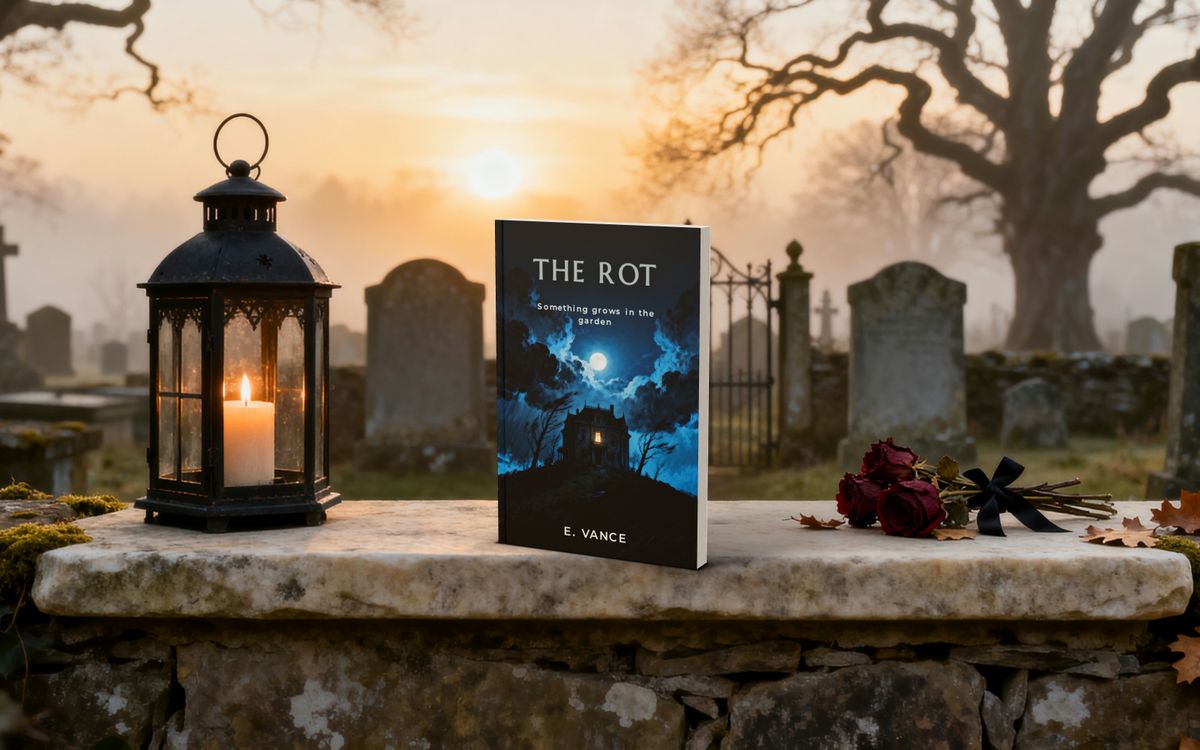

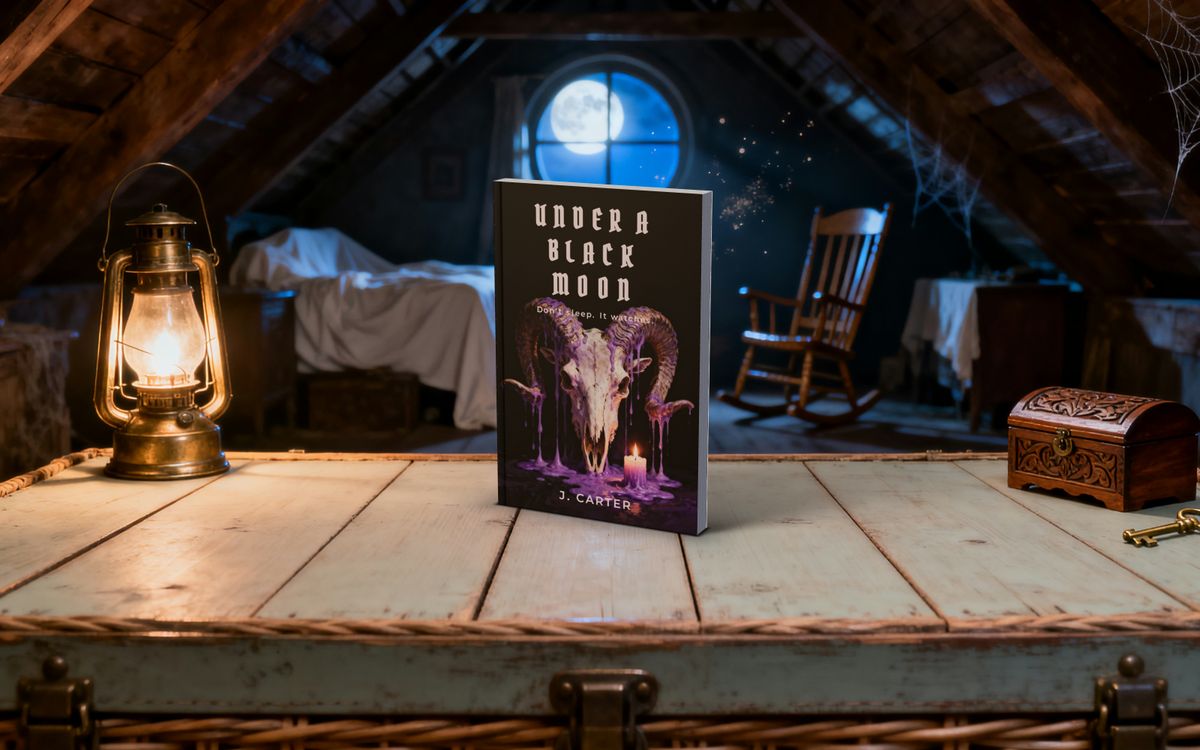
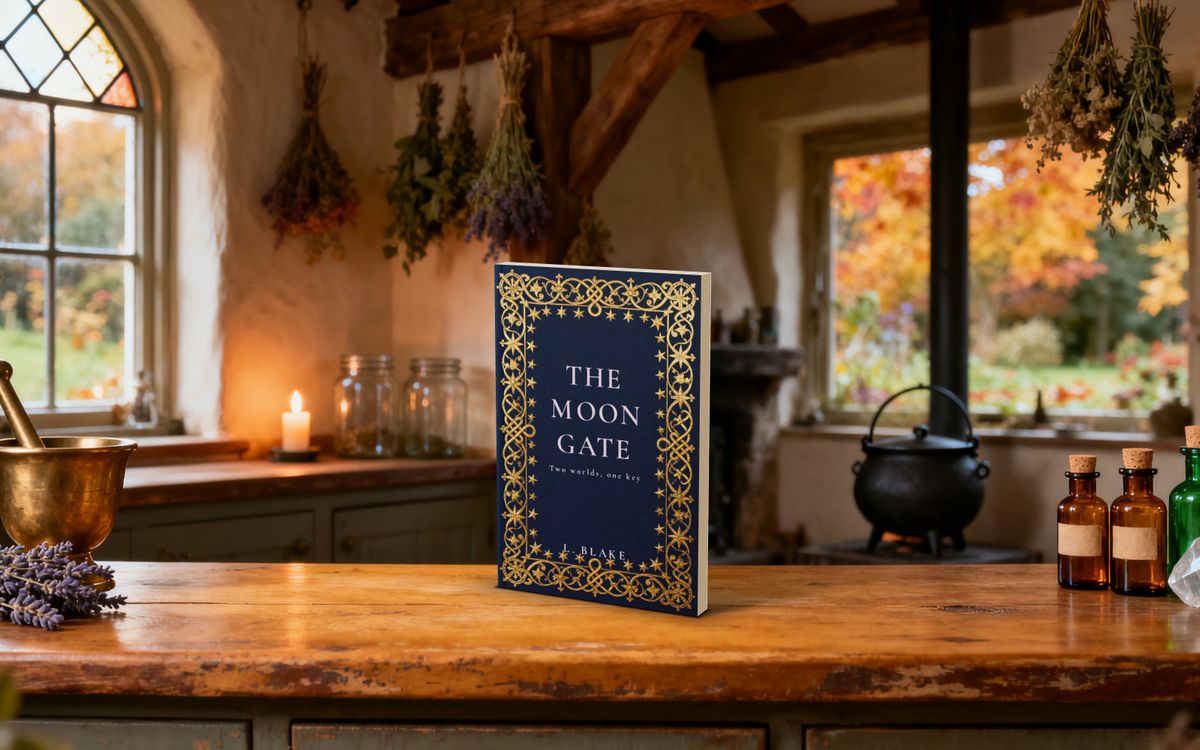
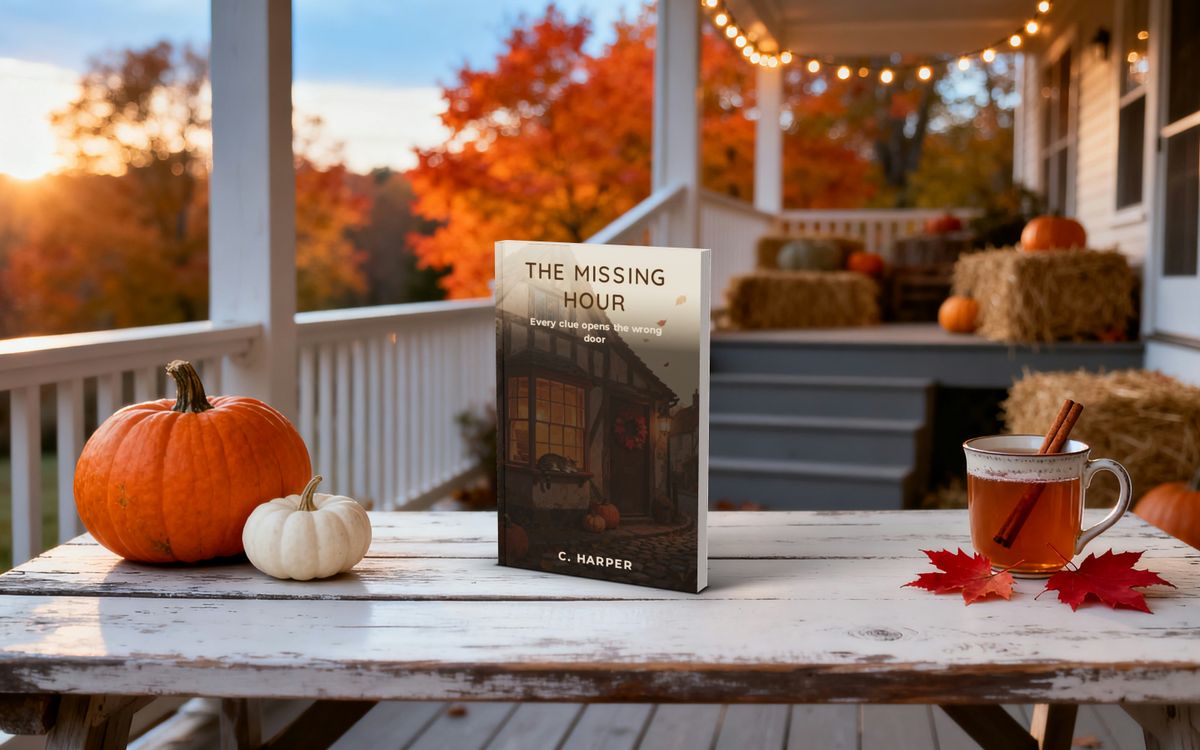
Preview it with your book →The preview is free; the files come with any pack.
Inside the studio.
One tile per chapter — each opens the studio or the part of this page it names.
01Templates
Genre design that looks like it belongs.
Shown on a neutral grey, the way print designers judge colour. Click a cover to start from its genre.
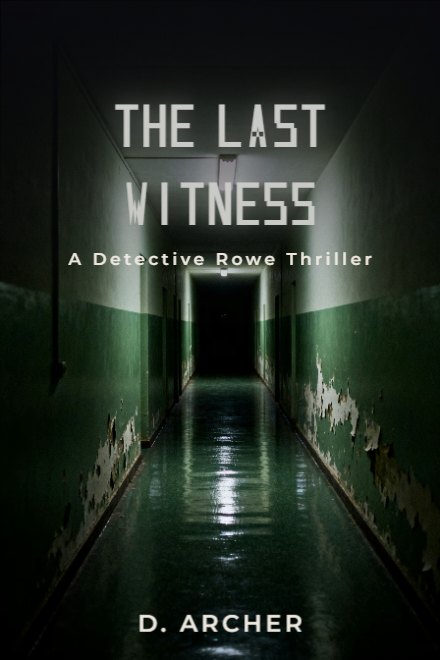

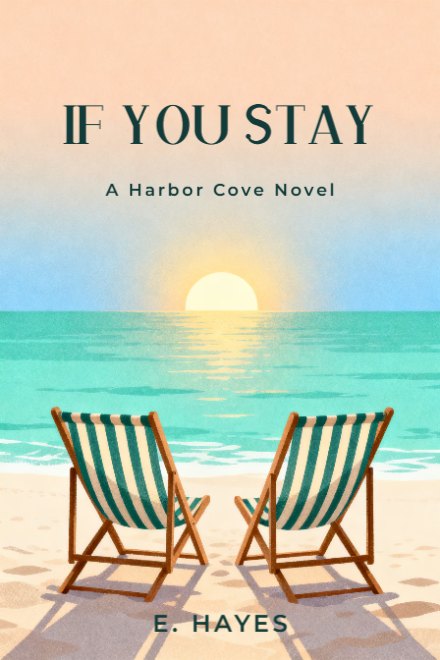

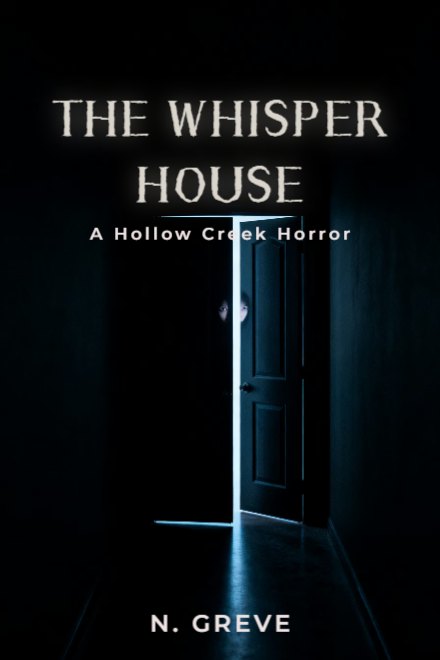
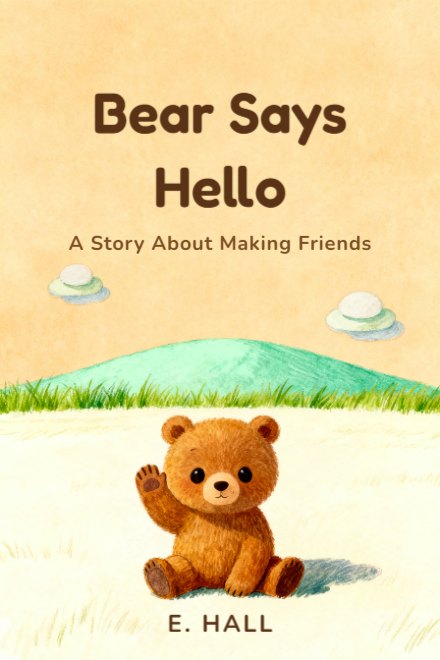


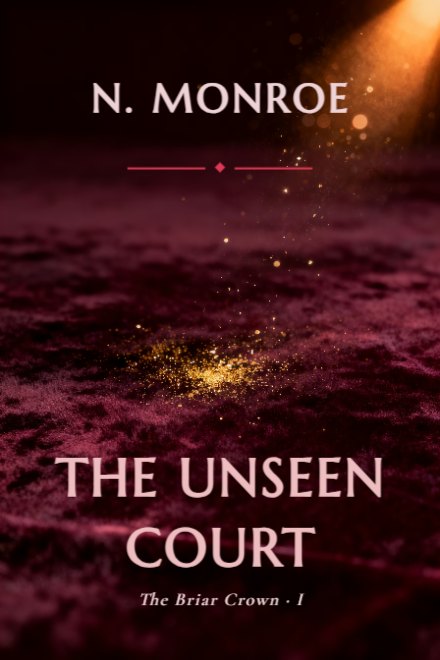

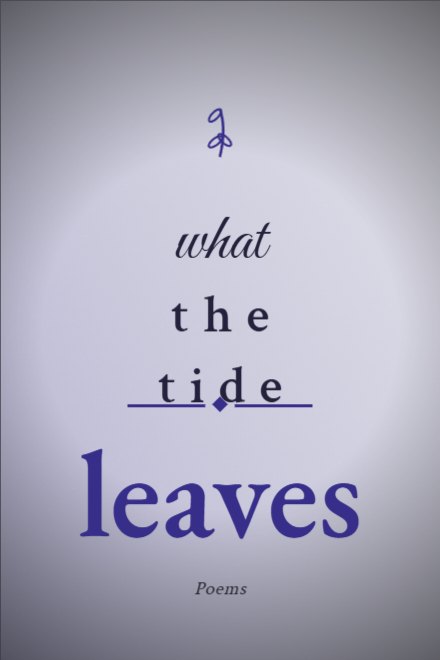
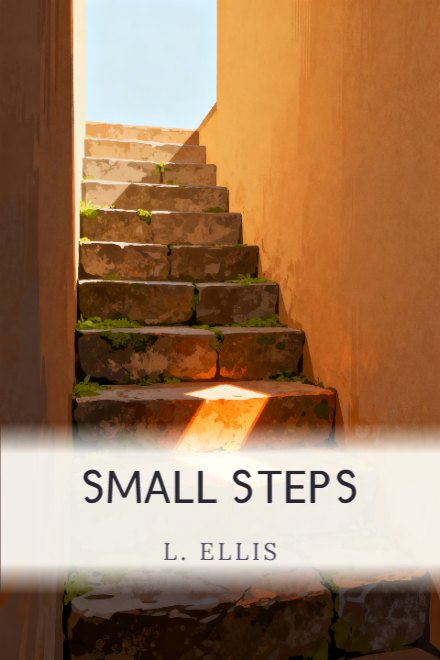
043D

Pick a book — open it in the 3D studio.
05AI
Optional: AI cover art
Typography always stays vector — AI only touches the art layer.
06Language
11
interface and guide languages
EN · TR · DE · FR · IT · ES · PT · PL · NL · SV · DA
07Tools and fixes.
Pick a book — open it in the 3D studio.
Every card is rendered in the studio's own 3D scene. Click one to open it in 3D: design right on the cover, pick the backdrop and light, export print-ready.
How it works
Type your title
Your title and author name are set as live vector type, so they print sharp.
Pick a genre design
Every design is laid out for its genre and already sized for KDP.
Enter trim and page count, download
Spine width, bleed and the barcode area are calculated; you get a 300 DPI full-wrap PDF.
Other ways to start:
See what KDP will see, before you upload.
The studio runs its print check before every export; if something is off, it stops the export and shows you what. You fix it in the studio, not in a rejection email.
| Trim sizes | Paperback 5 × 8, 5.25 × 8, 6 × 9, 7 × 10 and 8.5 × 11 in; hardcover 5.5 × 8.5, 6 × 9, 6.14 × 9.21, 7 × 10 and 8.25 × 11 in; ebook covers too |
|---|---|
| Bleed | 0.125 in (3.2 mm) on every outer edge |
| Spine width | Page count × 0.002252 in on white paper or × 0.0025 in on cream; hardcover adds 0.16 in |
| Page count | 24 to 828 pages |
| Spine text | From 100 pages, where the spine is wide enough for type |
| Resolution | 300 DPI, full-wrap PDF |
| Barcode area | Kept clear on the back cover, where KDP prints the barcode |
Figures from the studio's own spine and print-check code. Confirm in KDP's Print Previewer before you publish. Updated
7 checks before export
- Output resolution — 300 DPIBelow 300 DPI, the print can come out blurry.
- Bleed reaches every outer edgeWithout bleed, a white strip can show at the edge.
- Spine width from your page countA wrong spine width can get the file rejected.
- Text and elements inside the safe zoneText outside the safe zone can be trimmed off.
- Barcode area on the back cover stays clearKDP prints its barcode there — whatever is under it gets covered.
- Colour space accepted by KDPConverting to CMYK yourself can dull the colours.
- Output scope — full wrap or front coverFor print, a front cover alone isn't enough — you need a full wrap.
Author Showcase
Covers authors designed in the studio and published with their design story.
covers published by their authors
Optional: AI cover art
The studio itself is free. AI art is an extra you pay for only if you use it. Typography always stays vector — AI only touches the art layer.
COVER ART
AI Brief · From reference · Variation
1 credit
Describe the scene or show an example — your cover art in seconds.
How to use itEDIT
Image to image · Style transfer · Cover refresh · Region fix · Change background · Edit character · Expand
1 credit per operation
Describe the change, brush a region, or expand for the spine and back cover.
How to use it3D MOCKUP
3D book mockup
1 credit
Pick a scene — AI paints only the backdrop; your cover stays exactly as designed.
Open in the studioSERIES
Series board
free
Keep your covers on one identity — palette, type and layout stay consistent.
Open in the studioMARKETING
Marketing pack
Included in the pack · 9 images + video
Your book in nine social formats and a video, on ready-made photoreal scenes.
Open in the studioFrequently asked questions
Is PrintReadyCovers really free?
Yes. No signup, no watermark. You export your print-ready 300 DPI cover at no cost. The only paid extra is optional AI cover art.
Is it right for Amazon KDP?
Yes. Every trim size matches KDP exactly; spine math, bleed and the barcode zone are built to KDP's rules. The studio checks them before every export; do a final check in KDP's Print Previewer.
Do I need to sign up or install anything?
No. It runs in your browser; you design and download without registering or installing anything. Your work stays on this device.
Can I sell the cover I make?
Yes. The gradient backgrounds and typography are generated by the studio itself — no licence, no attribution. If you upload your own image the rights stay yours; for AI art, your rights follow the model provider's licence (see our Terms).
What rights come with the AI cover art?
AI art is generated through a commercial model provider's paid API. What rights you hold follows that provider's licence and the law where you publish — see our Terms. Export is always free and watermark-free.
What is a credit and how much does it cost?
Most AI operations are 1 credit each. The series board is free, and the marketing pack is included with any pack purchase — it uses no credits. Packs are one-time — from $15 for 25 operations. The core studio needs no credits at all.
How does Region fix (masking) work?
Brush over the area on your art, or just describe the change — only that region is regenerated.
Does AI draw the title text too?
No. Titles and author names stay as vector typography, so text prints razor-sharp. AI only touches the art layer.